optical, coaxial or USB: which digital connection?
The best one is whichever both boxes support, in the right direction, for the formats you actually use. The cable name comes second.
Digital cables invite confident hierarchies. USB is the modern choice, coaxial the audiophile's choice, optical the convenient compromise, and everybody has heard it stated with enormous certainty. Real systems are considerably less obedient than that. A television, a CD transport and a computer all want different things, and two sockets that look identical may not have been designed to talk to one another at all.
So start with function rather than reputation. Find the output on the source, the input on the DAC or amplifier, and the audio formats both ends actually support. If that route is stable and quiet, you have something worth listening to. No grand theory about cable types will rescue an unsupported format, a USB port with the wrong job, or a television quietly sending surround audio to a stereo DAC.
direction matters more than specification
Digital audio travels from an output on the source to a compatible input on the receiving device, and the receiver does the conversion. The shape of a socket is only part of the answer, and with USB it is barely part of the answer at all, because the same connector might be there for computer audio, a storage drive, servicing or simply power.
Some streamers include USB ports for local storage and cannot send USB Audio to an external DAC at all. A DAC with USB-B is normally waiting for a computer or another compatible host rather than offering an output of its own. Labels and manuals settle these roles far more reliably than an adapter and some optimism.
If what you are really unsure about is which box ought to convert the signal, read do I need a DAC? first, because choosing the converter usually makes choosing the cable straightforward.
optical is the useful problem-solver
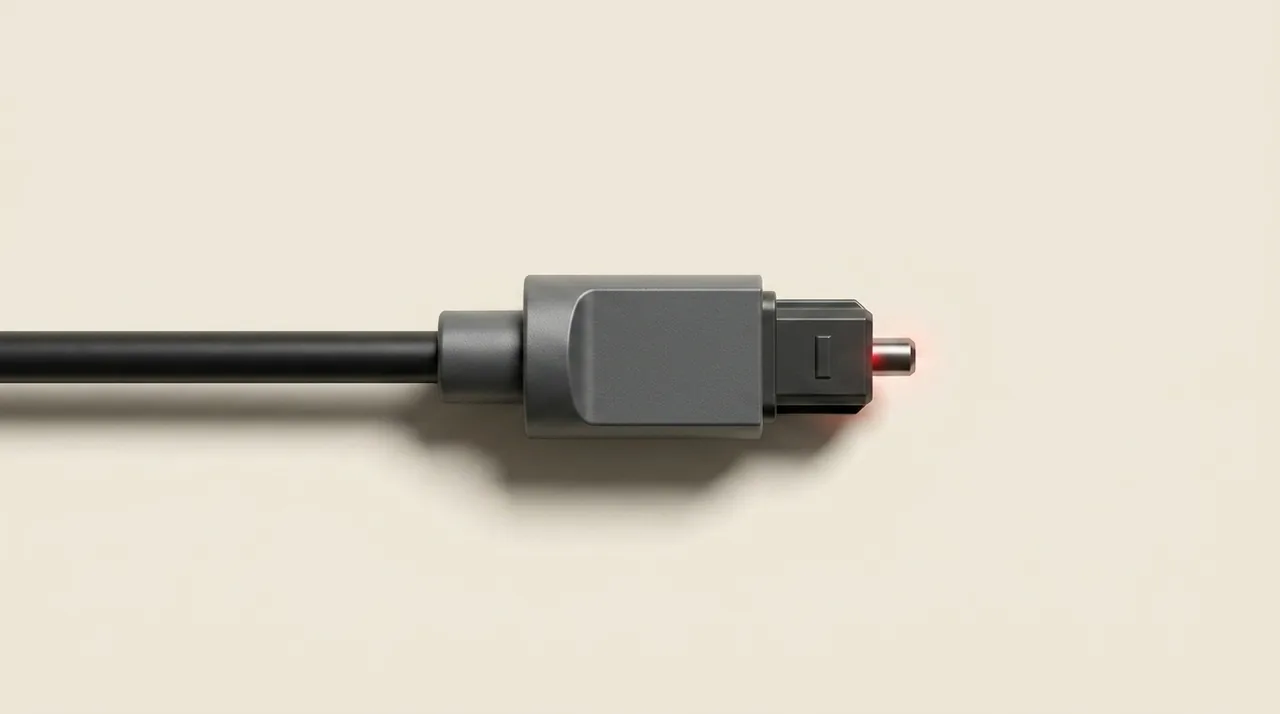
Optical S/PDIF, usually called TOSLINK, sends audio as light down a fibre. Televisions very commonly provide an optical output, and a great many stereo DACs and amplifiers will take one. Because no conductive audio path joins the two boxes, optical can also break an electrical ground loop, and that makes it considerably more than the basic option its reputation suggests.
Format support, though, is entirely product-specific. Many stereo DACs expect two-channel PCM and will not decode Dolby Digital, DTS or any other surround bitstream arriving from a television, so silence or a burst of noise often means nothing worse than a television that needs its digital output changed to PCM or Stereo. Sample-rate limits differ between products too, so work to the lower shared capability rather than assuming every optical socket behaves the same.
Take the protective caps off, push each plug fully home, and do not crush the fibre or bend it hard around a piece of furniture. Clicking, or a link that keeps dropping, deserves a shorter known-good cable and a lower output rate before anybody starts drawing conclusions about sound quality.
coaxial does the same job down a wire
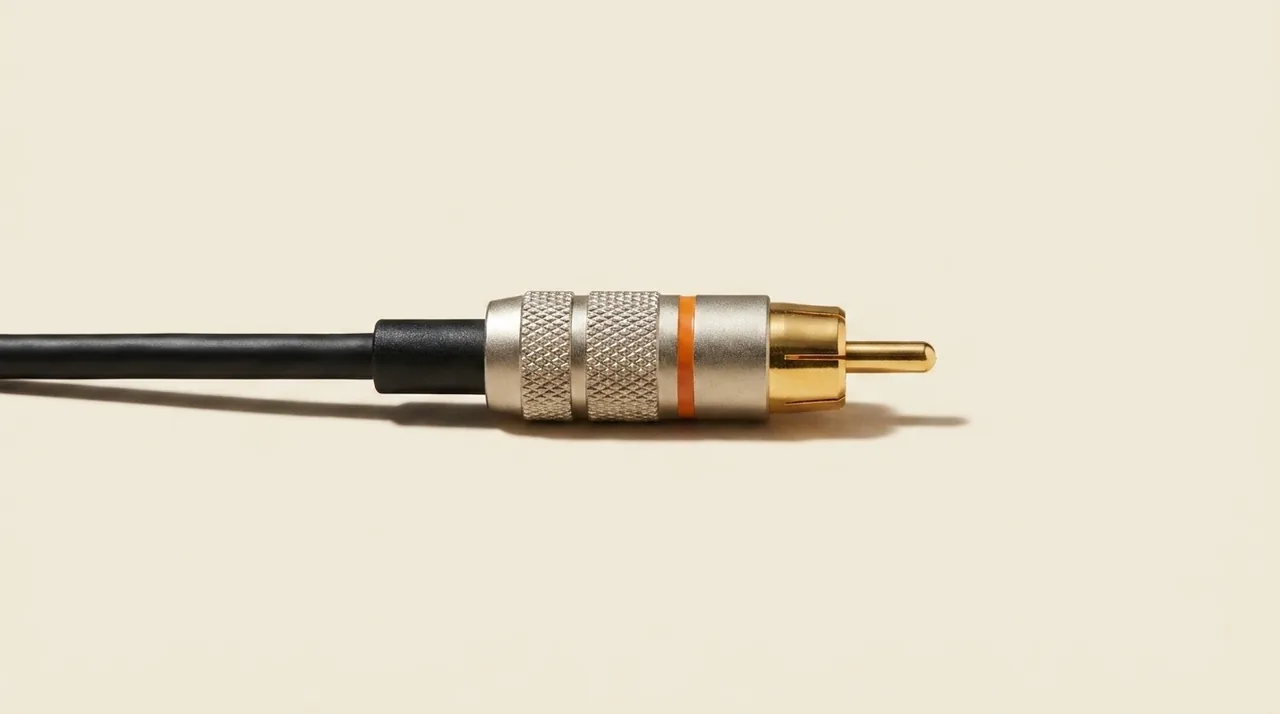
Coaxial digital audio normally arrives on a single RCA-shaped socket marked COAXIAL, DIGITAL IN or DIGITAL OUT. It is not an analogue red or white connection simply because the plug fits, and that confusion accounts for a fair number of frustrated evenings. Use a cable built for 75-ohm digital coaxial service; an ordinary interconnect may appear to work over a short run, but the correct specification is the one that keeps working.
The compatibility rules are exactly the same as optical. Source and receiver have to share the PCM rates you need and any other format you intend to send. Coaxial cannot make unsupported audio decodable, and it is quite normal for one product to offer different limits on its optical and its coaxial inputs.
Unlike optical, coaxial does create an electrical path between the components. Most systems are perfectly happy with that. If a hum appears only once the electrical connection is made, though, an optical link is a genuinely useful comparison, because it removes that path without anybody going near mains safety.
USB is powerful when the roles agree
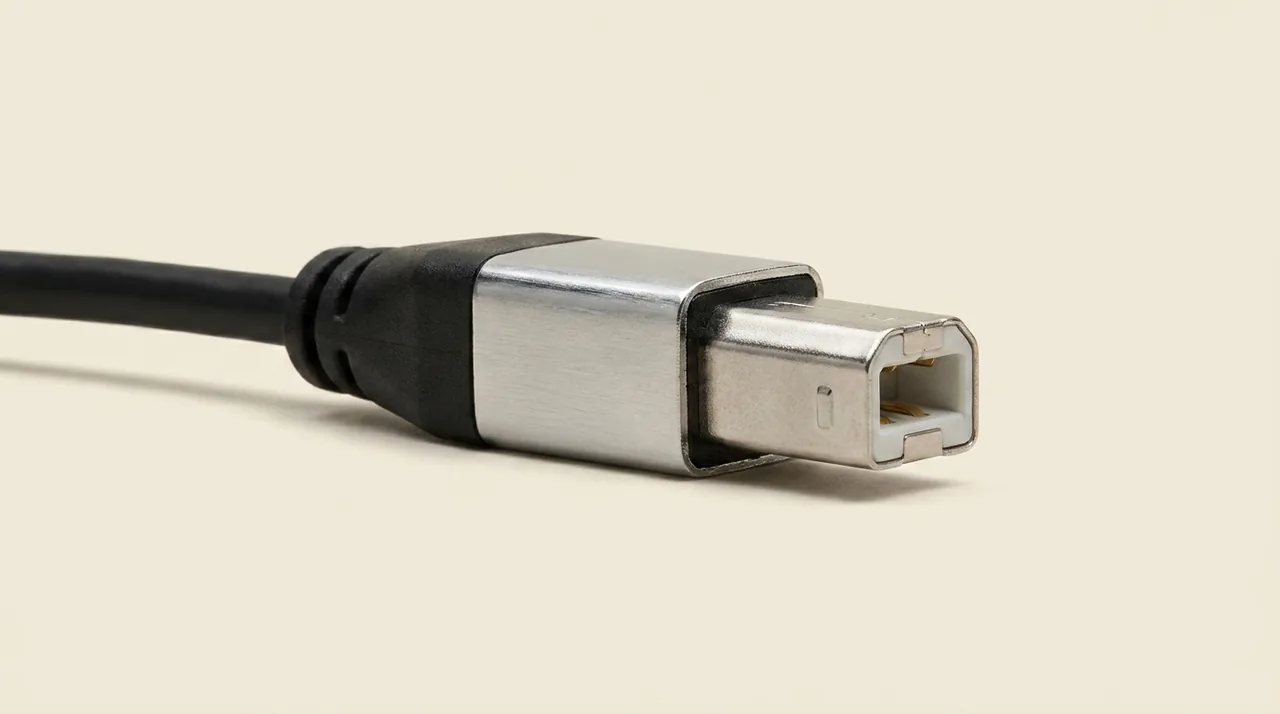
USB Audio is the natural connection from a computer to a DAC. The computer is the host, the DAC is the audio device, and the operating system sends sound to it. A compatible phone or tablet can sometimes do the same job, given the right adapter and enough power to go round.
USB may support rates or formats beyond what a product's S/PDIF inputs will manage, but that capability belongs to the whole implementation rather than to the cable. The DAC, the operating system, the driver and the selected USB Audio mode all have a say. Some Windows configurations want a manufacturer driver for particular modes, while class-compliant equipment will often work without one at all.
And the connector shape still proves very little. USB-C can carry audio, charging, data or some combination of the three depending entirely on the two products. Use a certified cable that meets the standard you need, by all means, but do not expect any cable, however exotic, to supply a missing driver, correct an incompatible host role or steady unstable power.
will one connection sound better?
A working digital link involves rather more than the ones and zeroes in the abstract. Interface receivers, clocking, electrical noise and the DAC's own design all form part of the finished result. Even so, slogans of the coaxial-is-warmer, optical-is-thinner, USB-always-wins variety make poor buying rules, and they are usually repeated by people who never matched levels before deciding.
Choose for compatibility, for stability, and for any functional advantage you can actually name. Optical has an obvious purpose when isolation is what you need. USB may be the only route supporting a required computer-audio format. Coaxial is often the simplest shared link between a transport and a DAC. Where two routes are fully supported and fault-free, a careful listening comparison is entirely reasonable, provided you match levels and change nothing else before treating a preference as meaningful.
Clicks, dropouts, a link that will not lock, and hum are not subtle differences in sound quality. They are faults, and they come first. A system that plays reliably is a far better reference than a supposedly superior connection running at the very edge of what it supports.
the two-minute checklist
Trace the digital audio from an output to a compatible input. Confirm the shared formats and sample rates, then work out what every USB port is actually for. Optical for a television or for useful electrical isolation, coaxial for a straightforward S/PDIF link, USB when a compatible host needs to feed a USB DAC. If nothing plays, select the right input, try two-channel PCM, drop the output rate, and check any driver or mode the USB route requires.
So, optical, coaxial or USB? Whichever one both boxes support, in the right direction, for the formats you actually use. Our streamer connection guide covers the complete analogue and digital routes out of a network player, and the planner will map the route through your own system. Choose by function first, then listen. Happy listening.